Can I use LootBar self top-up if my account is linked through Google Play Games?
No. Accounts linked through Google Play Games cannot use LootBar self top-up. At the moment, only accounts linked directly to Google or Facebook are supported.
Most self top-up failures happen before payment, not during payment.
This guide helps Kingshot players complete LootBar self top-up safely by checking the two most important requirements first: direct Google or Facebook account linking and active 2-step verification.
This page is for players who want a safer, simpler, lower-friction way to complete Kingshot self top-up and avoid the most common login errors.
Review the requirements once, follow the screenshot steps, and use the support links only if you get stuck.
Before opening the Kingshot top-up page, confirm these two conditions first. This removes most of the common login and verification problems.
Your Kingshot account must be linked directly to Google or Facebook.
Your linked Google or Facebook account must have 2-step verification enabled.
LootBar self top-up currently supports only accounts linked directly to Google or Facebook.
Can I use LootBar self top-up if my account is linked through Google Play Games?
No. Accounts linked through Google Play Games cannot use LootBar self top-up. At the moment, only accounts linked directly to Google or Facebook are supported.
LootBar self top-up includes a security check during login.
Because of that, your linked Google or Facebook account should have 2-step verification enabled before you try to complete payment.
The simplest way is to test your login in incognito mode.
Once your login method and 2-step verification are confirmed, the rest of the process is usually straightforward. Follow the steps below in order.
Top-up page
Open the LootBar Kingshot top-up page
Enter #s4qU in the search bar to apply an extra coupon before checkout.
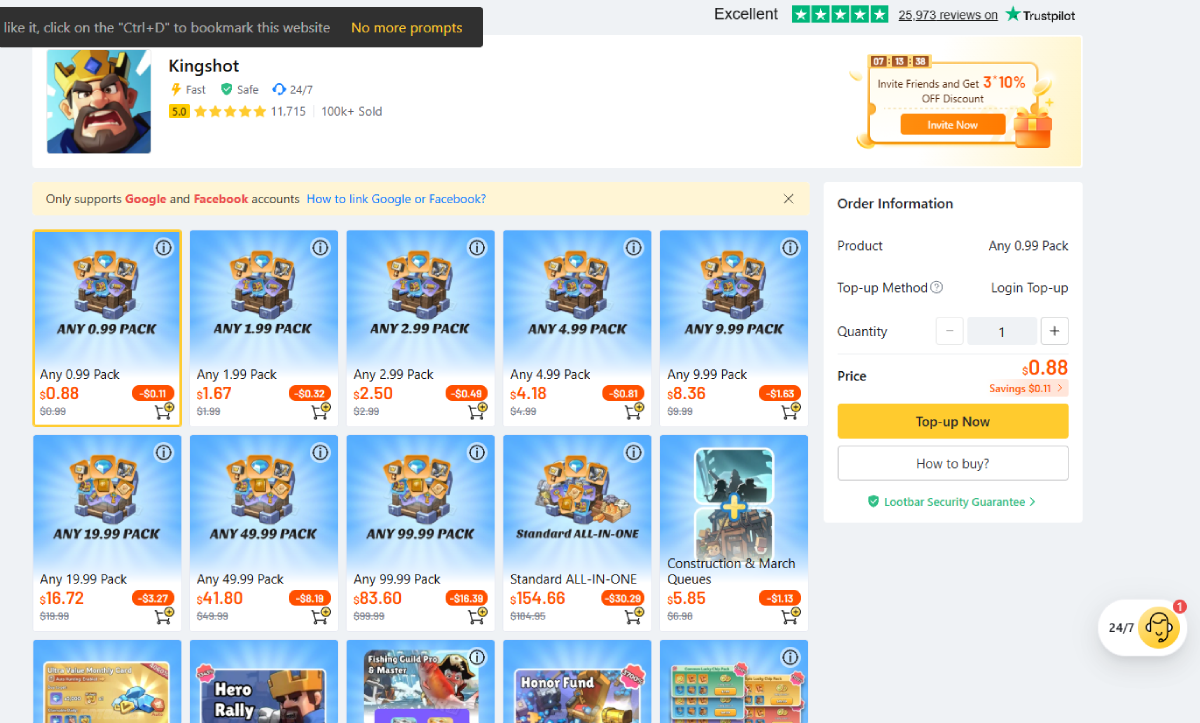
Select the package you want and click Top-up Now.
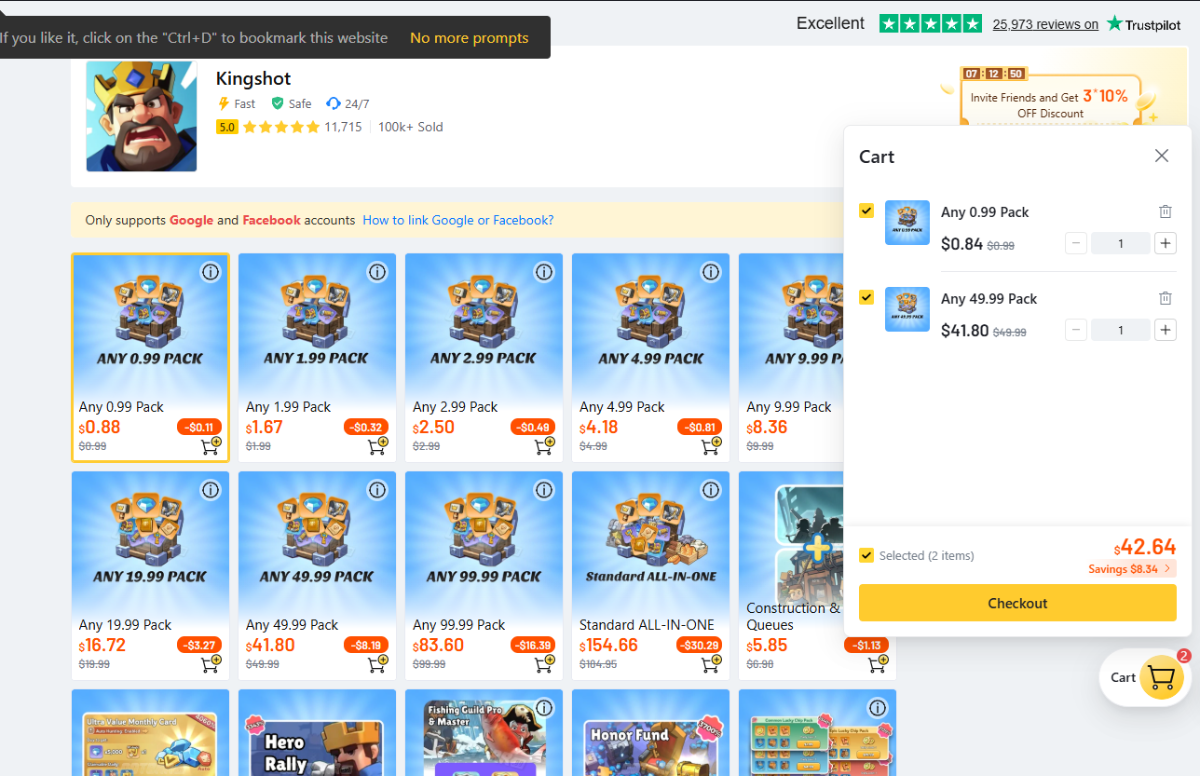
If you want more than one package, use the cart button and add the items you need.
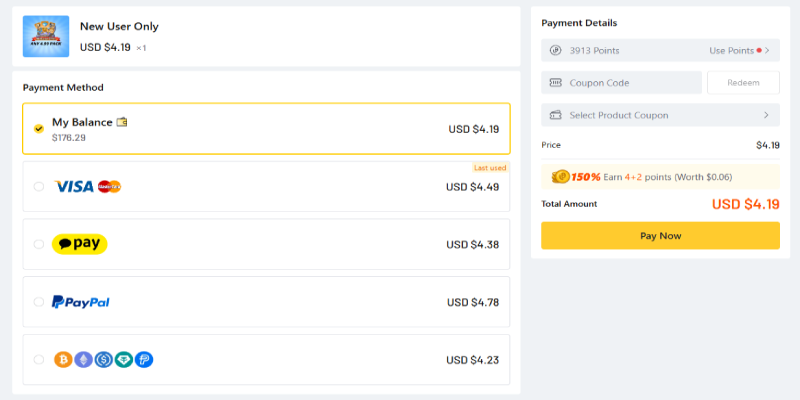
Select your payment method, such as card or PayPal, and then click Pay Now.
The left option is self top-up and the right option is operator top-up. Be sure to select self top-up.
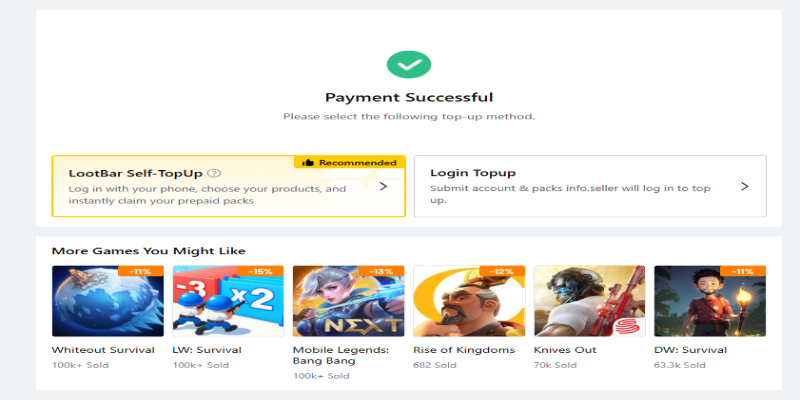
After selecting self top-up, the login screen will appear. For most users, Google login is the easiest option.
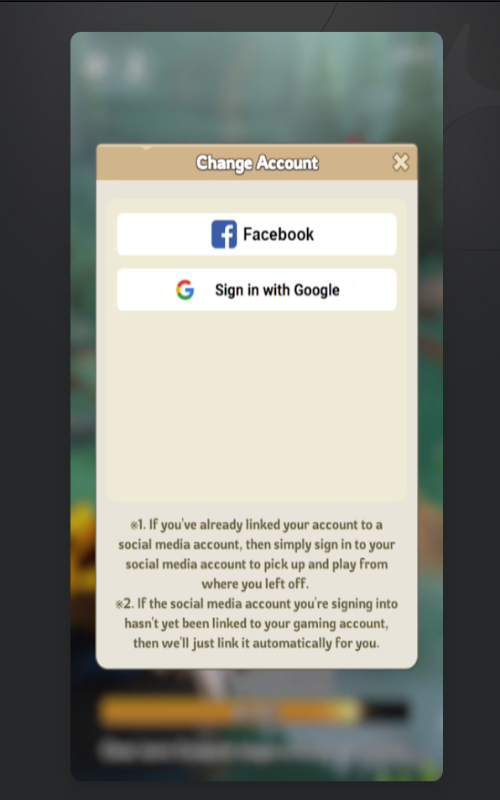
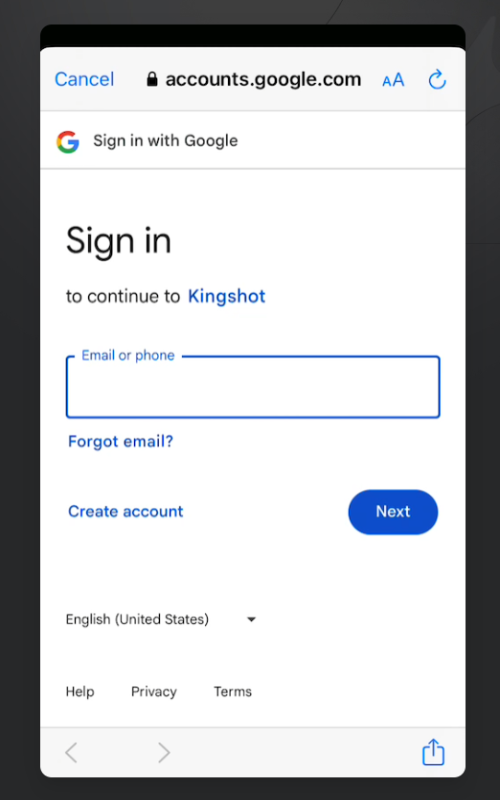
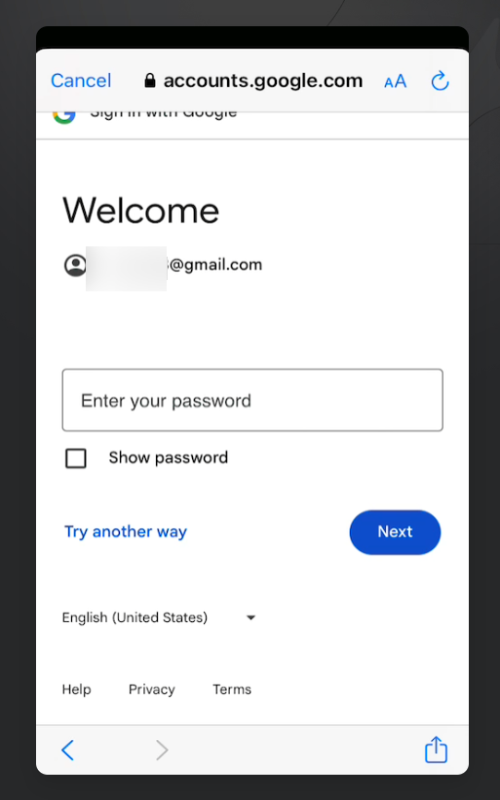
Review the total amount in your cart and finish payment.
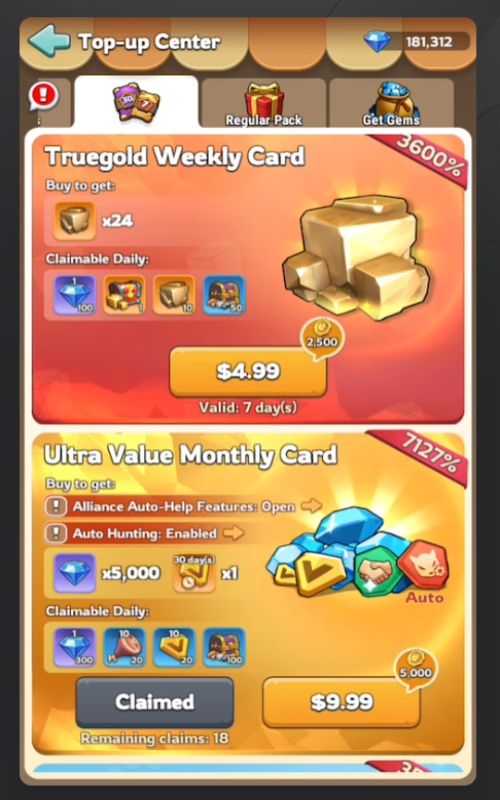
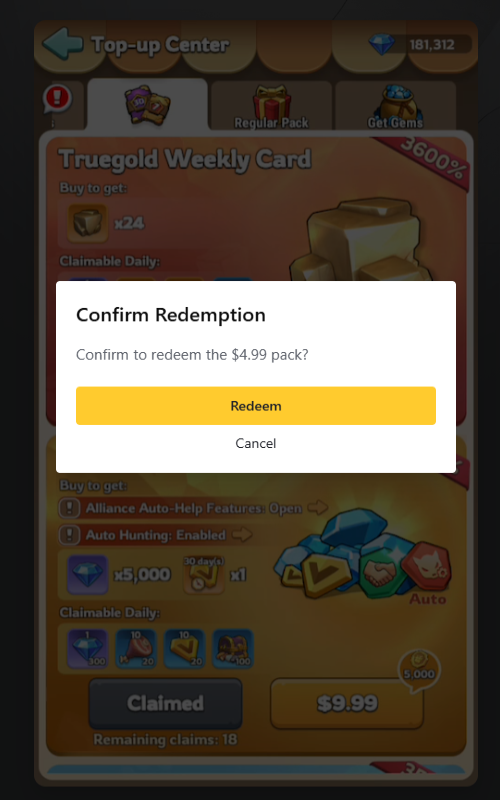
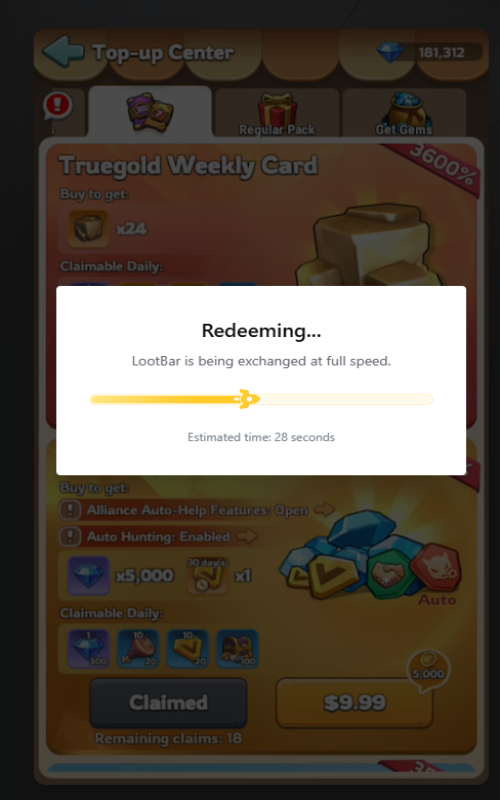
After payment is approved, the final confirmation screen will appear. Press Got it if needed.
Your top-up should now be completed.
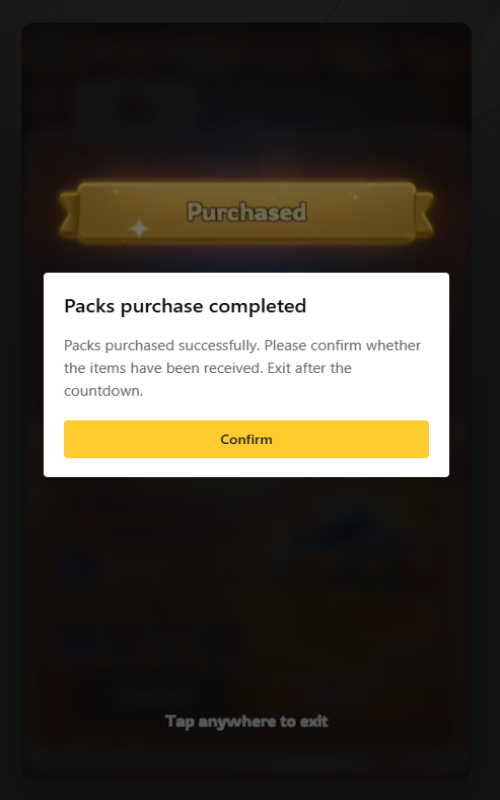
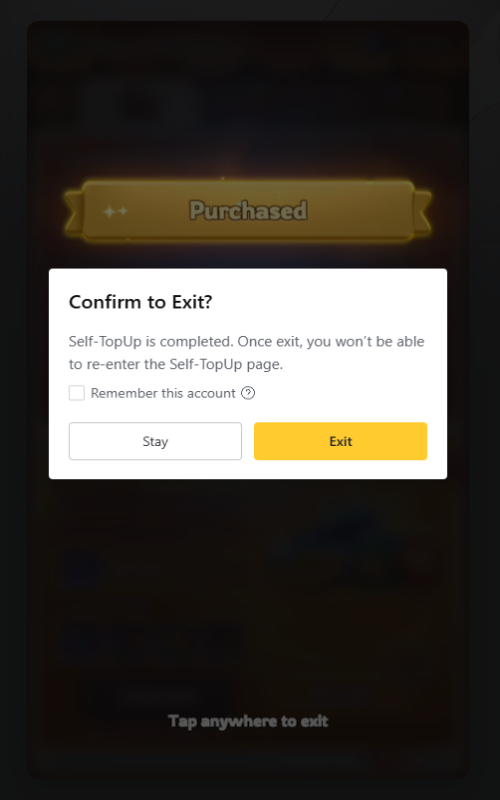
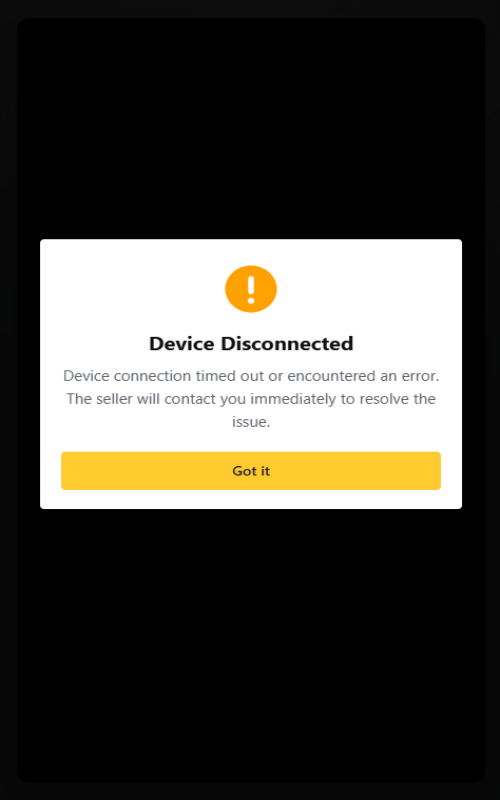
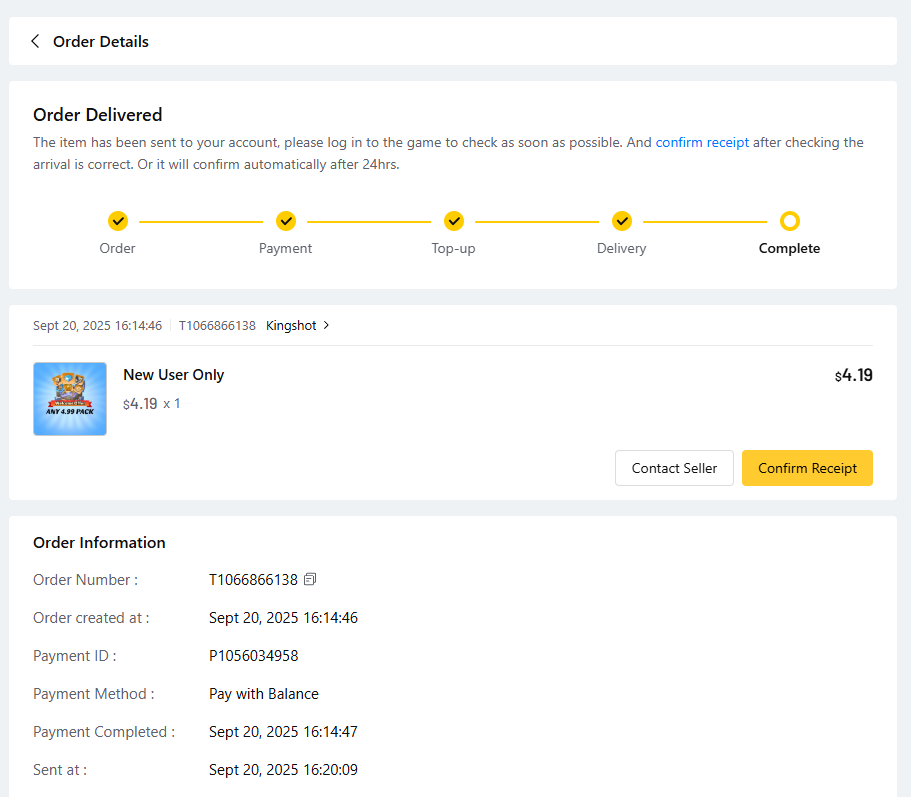
Open Kingshot and confirm that the purchased package has been delivered correctly.
Why does self top-up fail for some users?
Most failures are caused by the wrong login type or missing 2-step verification, not by the payment step itself.
Is Google Play Games supported?
No. Only accounts linked directly to Google or Facebook are supported for LootBar self top-up.
How do I know whether 2-step verification is active?
Try signing in through an incognito browser window. If you get an extra phone, email, or authenticator check, it is active.
Where do I enter the coupon?
Enter #s4qU in the search bar on LootBar before checkout so the extra coupon can be applied.
What should I do if I still get stuck?
Double-check your login method, verify that 2-step verification is active, and then ask in the Discord help channel if you still need support.
If you already checked the requirements but still feel unsure, use the support links below. Choose the one that matches what you need.
You can check the latest cumulative top-up rewards, monthly coupon updates, and related info on the page below.
See the latest top-up promotion / coupon infoYou can also browse other supported game top-up pages from the same shop link below.
View more mobile game discountsReady to start Kingshot self top-up?
If your Kingshot account is linked directly to Google or Facebook and 2-step verification is already active, this is usually the fastest path to complete self top-up with fewer login issues. Enter #s4qU before checkout to apply the coupon.